
Wide-Format Printer vs. Office Copier: Which Is Right for Your Workflow?
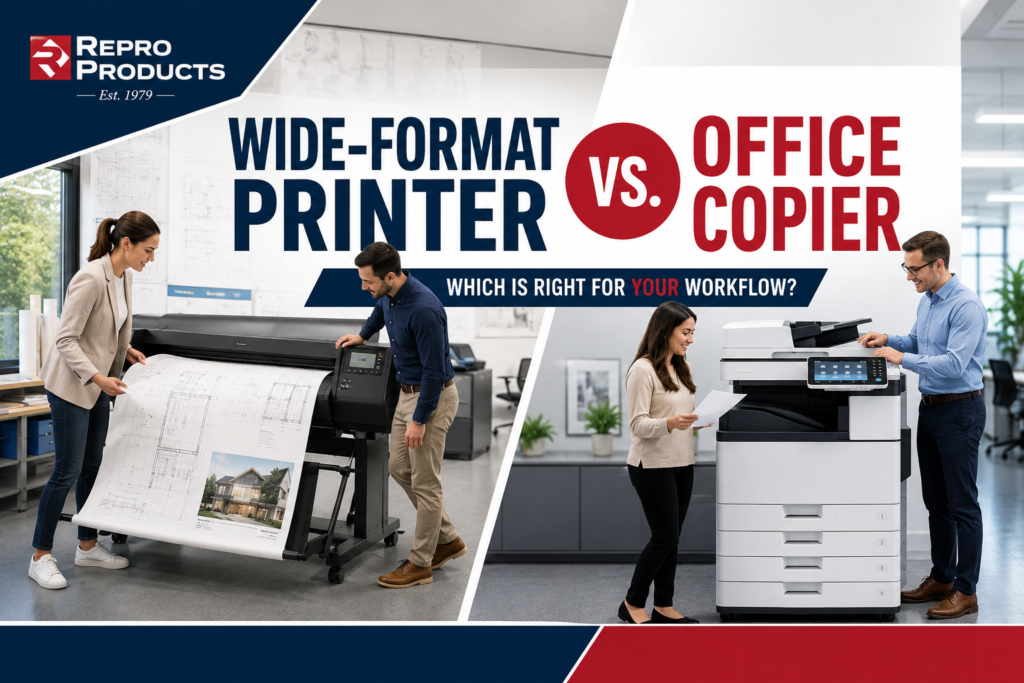
If you have ever tried to print a poster, an oversized diagram, or a site plan on the office copier — and watched it scale everything down to letter size — you already understand why these two machines are not interchangeable. But the reverse is also true: a wide-format printer is a poor substitute for an office copier if your team prints hundreds of documents a day.
This guide is for office managers trying to answer one practical question: given what our team actually prints, which type of equipment belongs in our office — a wide-format printer, an office copier, or both?
The short answer: if your largest regular print job fits on 11″ × 17″ paper, a modern office MFP handles it. If you regularly print anything wider than that — plans, drawings, banners, maps — you need a wide-format printer. Many offices need both, and the combined cost is lower than most managers expect.
What each machine is — and isn’t
Office copier / multifunction printer (MFP)
An office MFP prints, copies, scans, and usually faxes — all from one device. It handles cut-sheet paper from letter up to tabloid (11″ × 17″) and is optimized for speed: most mid-range models print 30–55 pages per minute. A 200-person office running 15,000 pages a month is exactly the environment an MFP is engineered for. It connects to your network, supports user authentication, generates usage reports, and integrates with document management workflows.
What it cannot do: print anything wider than tabloid. If your team needs a 24″ × 36″ drawing, a 36″ banner, or an architectural floor plan at scale, the MFP cannot produce it regardless of resolution or file quality.
Wide-format printer
A wide-format printer (also called a plotter or large-format printer) prints on roll media ranging from 24″ to 60″ wide — and in some production models, wider. It is designed for output that simply cannot come off a standard device: construction documents, engineering drawings, GIS maps, presentation graphics, signage, and trade show materials.
What it is not: a replacement for your office copier. Most wide-format printers do not copy or fax. Scan-to-file is available on many models, but print speed for small documents is far slower than an MFP. Running your daily letter and legal printing through a wide-format printer is expensive and slow.
Side-by-side comparison
The table below covers the ten factors that matter most when choosing between the two.
| Wide-format printer | Office copier / MFP | |
| Maximum print width | 24″ to 60″+ (roll media) | Up to 13″ (letter, legal, tabloid) |
| Typical output | Posters, blueprints, banners, plans | Letters, reports, invoices, contracts |
| Print speed (color) | 1–4 D-size prints per minute | 20–55 letter pages per minute |
| Scan / copy / fax | Scan-to-file only (most models) | Full MFP: copy, scan, fax, email |
| Paper handling | Roll media + sheet feed | Multiple cut-sheet trays; staple/fold |
| Monthly duty cycle | 500–3,000 sq ft typical | 5,000–100,000+ pages |
| Network / fleet management | Basic print queue; limited reporting | Full fleet management, usage reporting |
| Equipment price range | $1,800 – $18,000+ | $3,000 – $30,000+ |
| Cost per page (color) | $0.10–$0.40 per sq ft | $0.05–$0.12 per letter page |
| Physical footprint | Large — floor stand or dedicated space | Medium — sits in copy room or floor |
Which machine handles which print tasks?
Use this as a quick reference. If a task appears in your regular workflow, the right column tells you which device handles it — and the notes column explains why.
| Print task | Wide-format | Copier / MFP | Notes |
| Standard letter/legal documents | ✕ | ✓ | Copier is faster and cheaper per page |
| Architectural or engineering drawings | ✓ | ✕ | Requires 24″+ media; copier cannot do this |
| Presentation posters (18″ × 24″ or larger) | ✓ | ✕ | Wide-format only; tabloid is the copier ceiling |
| Copy, scan, and email documents | ✕ | ✓ | MFP handles the full document workflow |
| High-volume daily printing (500+ pages/day) | ✕ | ✓ | Copier speed and duty cycle built for this |
| Trade show graphics or marketing banners | ✓ | ✕ | Needs wide roll media and UV-resistant ink |
| Occasional tabloid (11″ × 17″) prints | ✓ | ✓ | Both work; copier is usually faster here |
The cost reality: what you’re actually paying per print
Cost comparisons between the two machine types can mislead because they measure different things. An office copier is priced per letter-size page. A wide-format printer is typically priced per square foot of output. You cannot directly compare them — but you can understand when each is efficient.
Office copier cost per page
A managed print agreement for a mid-range color MFP typically runs $0.05–$0.09 per color page and $0.007–$0.015 per black-and-white page. For high-volume monochrome printing, this is very cost-effective. The cost climbs sharply if you print color pages that do not need to be color — a common and correctable waste in most offices.
Wide-format cost per square foot
A standard 24″ × 36″ architectural D-size print covers about 6 square feet. At a typical cost of $0.15–$0.25 per square foot for a managed wide-format device, that print costs roughly $0.90–$1.50. For occasional large-format needs, outsourcing those jobs to a print service provider may be more economical than owning the hardware. For firms printing 50+ large-format sheets per week, an in-house device pays for itself quickly.
Rule of thumb: if you print more than 30–40 large-format sheets per week consistently, in-house wide-format equipment is almost always cheaper than outsourcing. Below that threshold, a local print service relationship is usually the better call.
Do you need both?
More offices than you might expect run both machines, and the economics usually work. A wide-format printer handles the large-output jobs that would otherwise be sent out (at a markup) to a copy center. The office MFP handles everything else.
The combination makes particular sense when:
- Your team prints architectural plans, engineering drawings, or oversized presentation graphics more than a few times a week.
- You are currently paying a print service provider for large-format output and have not calculated the annual spend.
- Your office supports hybrid or remote teams who need centralized, high-quality output on demand.
- You work in AEC, construction, real estate, or any field where full-scale document review is part of your standard process.
For a typical 50-person professional services firm that occasionally needs large-format output, the combined equipment cost on a 60-month lease can run $400–$650 per month — often less than what the same firm was spending to outsource large-format jobs alone.
How to decide: four questions to answer first
Before you call a vendor or request a quote, answer these four questions. They will determine which equipment category fits — and roughly what size and speed of machine you need.
1. What is your largest regular print job? If the answer is letter or tabloid size, an MFP covers you. If the answer is anything wider than 11″, wide-format belongs in the conversation.
2. How many pages does your office print per month? Under 2,000 pages: a desktop or small workgroup MFP. 2,000–10,000: a mid-range floor MFP. Over 10,000: a production-class device or fleet.
3. How often do you send print jobs outside the office? If you are regularly emailing files to a FedEx or copy center, calculate that annual spend. It is almost always larger than the lease payment on in-house equipment.
4. Who handles printer support today? If printer tickets are consuming IT time, a managed print agreement — which bundles service, supplies, and reporting into one monthly cost — is worth evaluating alongside the hardware decision.
Not sure which equipment fits your office?
We serve businesses across Atlanta, Marietta, Alpharetta, Roswell, and the greater Southeast. Tell us what you print and how often — we’ll recommend the right equipment with transparent pricing on both lease and purchase options.
→ Contact us for a quote — reproproducts.com/contact
Related reading
5 hidden Costs in Your Current Print Environment (and How to find them)